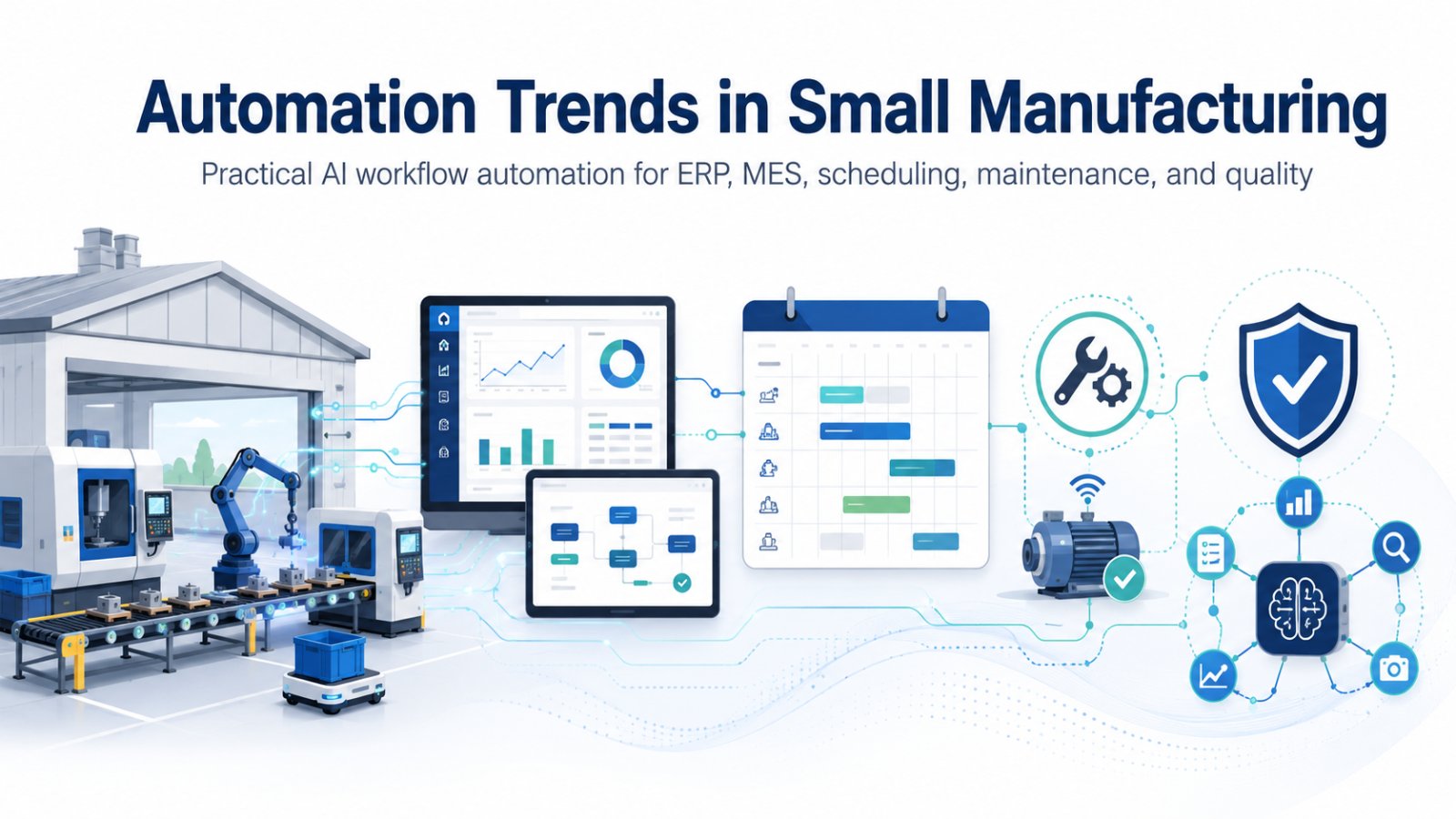
Automation Trends in Small Manufacturing: What You Need to Know
Small manufacturers do not always need robots or large automation projects to improve operations. In many cases, the biggest opportunity is connecting the systems they already use, then automating the small, repeatable decisions that slow production down.
If you are an operations manager, plant manager, production planner, maintenance manager, or SME owner, the goal is simple:
- Fewer surprises on the shop floor
- Less manual chasing in the office
- Faster response when reality differs from the production plan
Common Problems Small Manufacturers Face
If these situations feel familiar, you are not alone:
- A planner manually checks inventory before releasing each job because the ERP on-hand quantity is not trusted or is not location specific.
- A supervisor walks the floor, then updates job status in a spreadsheet or on a whiteboard because the shop system is not quick to use.
- Preventive maintenance tasks get missed because machine runtime is not tracked, so everything is calendar based and does not match real usage.
- A quality hold is communicated by email or verbal notes, so parts still move to the next operation before anyone notices.
Below are the automation trends that are most practical for small and mid-sized manufacturers, especially when ERP, MES, scheduling, maintenance, and quality workflows are part of the picture.
1. Lightweight Automation Is Replacing Big Projects
Many SMEs have been burned by large, multi-month automation projects. The trend now is toward smaller, scoped automations that solve one problem well and can be rolled out cell by cell.
Concrete Examples That Fit a Typical SME
- Job release gate: A planner clicks “release,” but the system blocks it if material is short, a drawing revision is not approved, or outside processing has not been received.
- Traveler packet automation: When a job is released, the latest router, setup sheet, and inspection checkpoints print or appear on a tablet automatically.
- Exceptions list: Instead of a planner scanning 80 open orders, the system shows the 10 orders that are actually at risk today.
What to watch: If the automation depends on perfect data, it will fail. Start by automating around stable fields such as part numbers, routings, operations, standard pack, and approved suppliers, not around free text.
2. ERP to MES Integration Is Becoming Operational Hygiene
A common SME pattern is this: ERP is used for orders and inventory, while MES or spreadsheets are used for what actually happened on the floor. The gap becomes a daily reconciliation job.
A Practical ERP to MES Flow
- ERP sends: Released jobs, BOM, routing, due date, quantity, and priority.
- Shop floor returns: Completions, scrap, labor time, and downtime reason codes.
- Inventory updates: Happen without someone rekeying paper tickets at the end of the shift.
Concrete SME Pain This Addresses
- The planner releases a job but first has to walk to the crib or text the stockroom lead to confirm material is actually available.
- Receiving posts material in ERP, but the shop still thinks it is missing until someone tells them.
- At the end of the shift, a supervisor spends 30 to 60 minutes updating a spreadsheet so the office knows what shipped, what is stuck, and what needs to be expedited.
This does not have to be complicated. The key is agreeing on the system of record for each data element. For example, ERP owns due dates and inventory, while MES owns actual start times, stop times, and operation status.
3. Scheduling Automation Is Moving from “Perfect Plan” to “Fast Replan”
For SMEs, the schedule usually breaks for predictable reasons: machine downtime, urgent orders, missing material, absent operators, or delayed outside processing.
The trend is not chasing a perfect schedule. The trend is building a scheduling process that can replan quickly.
Practical Scheduling Automation Steps
- Daily refresh of capacity and constraints
- Material availability checks before releasing work
- Simple rules that match how the plant actually runs, such as setup families, preferred machines, and skill constraints
Example: Machine Downtime
Your laser is down for half a day. Instead of the planner manually reshuffling everything in Excel and emailing updates, the system flags which released jobs are blocked, suggests alternative work that is already kitted, and updates the priority list for each cell.
Example: Outside Processing Delay
Heat treat slips two days. The system identifies every job waiting on those lots, marks them as constrained by outside processing, and prompts the planner to pull forward work that can ship without those operations.
4. Digital Work Instructions Are Often the First Shop-Floor Automation Step
Before sensors and advanced analytics, many SMEs get the biggest win by reducing variation in how work is performed and documented.
Practical Digital Work Instruction Trends
- Work instructions linked to item revision and displayed at the workstation
- Required checks at key operations, such as first article, torque checks, and in-process inspection
- Photo attachments for nonconformance and rework, tied to the job and operation
Example: Repeat Job on Second Shift
A new operator on second shift runs a repeat job. Instead of relying on tribal knowledge, the setup sheet, tooling list, and inspection points show up with the job. The system then requires a first-piece signoff before the run continues.
5. Maintenance Automation Is Shifting Toward Simple, Usable Signals
Not every shop needs full predictive maintenance. A realistic trend is using basic signals and disciplined workflows.
Practical Maintenance Automation Steps
- Automatic PM scheduling based on runtime or cycles, not just calendar dates
- Downtime reason capture that is fast enough to actually get used
- Alerts when a machine’s minor stops cross a threshold, prompting a quick check
Concrete SME Problem This Solves
PMs are missed because the team is busy and the only reminder is a calendar entry. The machine actually ran two weeks of overtime, but the PM cadence did not adjust. Runtime-based PMs trigger when they should, not just when the month changes.
If you do one thing: make downtime capture easy. If it takes more than a few taps, people will skip it, and you will lose the data needed to improve.
6. Quality Automation Is Focusing on Faster Containment, Not More Paperwork
The most useful quality automation in SMEs is the kind that stops defects from moving downstream.
Common Practical Steps
- Automatic hold and status change when inspection fails
- Nonconformance tickets that automatically pull part number, lot, operation, and operator
- Basic trend flags, such as repeated scrap reasons on the same operation
Concrete SME Problem This Solves
A quality hold gets communicated by email or verbal notes. The next shift does not see it, parts move to assembly, and now the company has rework across multiple jobs. A system-level hold status, visible in ERP or MES, prevents the next operation from starting or completing until disposition is recorded.
The goal is to shorten the time between “problem occurred” and “we contained it and adjusted the process.”
7. AI in SMEs Is Mostly About Reducing Manual Decisions, Not Replacing People
In small manufacturing, the best use of AI is often decision support and automation of routine judgment calls.
Realistic AI Use Cases
- Summarizing shift notes into a consistent handoff with open actions
- Suggesting likely root causes based on repeated downtime descriptions, with human review
- Detecting that an order is trending late because actual cycle time is running higher than standard
Concrete Example: Structured Status Updates
The supervisor walks the floor, then updates a spreadsheet with notes such as “Op 30 running,” “waiting on material,” “rework,” and “down.” AI can help turn quick voice notes or short entries into structured status updates, then push them into the right fields so job status is current without extra office time.
A useful rule: if the decision has a clear owner and can be reviewed quickly, it is a better candidate for AI support. If it is safety critical or high risk, keep it manual and structured.
What to Automate First: A Simple Prioritization Method
If you are deciding where to start, use this quick filter.
Score One Process Using These Five Questions
- Frequency: Does it happen daily or multiple times per shift?
- Pain: Does it create expediting, overtime, missed shipments, or extra follow-up?
- Stability: Is the process consistent enough to automate?
- Data readiness: Is the needed data already captured reliably?
- Ownership: Is there a clear person responsible for the output?
Start with items that score high on frequency and pain, and at least medium on stability and data readiness.
A Strong First Project: Job Release Gating
A common best first project in SMEs is automating job release gating.
- Planner intent stays the same: release the right work at the right time.
- The system checks: material availability, drawing revision approval, outside processing receipt, and basic capacity constraints.
- The result: less WIP, less firefighting, and fewer “ghost priorities” where everything is hot.
A Practical Caution: Automation Can Lock In Bad Habits
Automation makes a process faster. It does not automatically make it better.
Before automating, confirm:
- Your routings reflect how the work is actually done.
- Your reason codes are usable, not 40 options nobody understands.
- Your planners and supervisors agree on the rules.
If those basics are not in place, start with a short workflow cleanup, then automate.
If You Want Help Scoping the Right Automation
If you are considering ERP to MES integration, scheduling automation, maintenance workflows, or quality holds, a short assessment can identify the best starting point, what data needs cleanup, and what can be implemented without disrupting production.
Request an AI Workflow Assessment to identify 2 to 3 practical automation opportunities you can implement with minimal disruption.